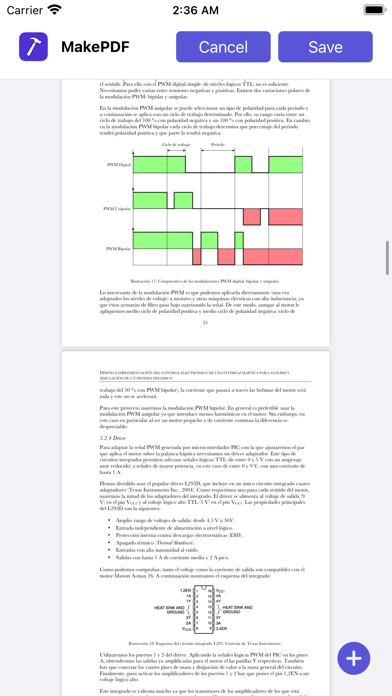
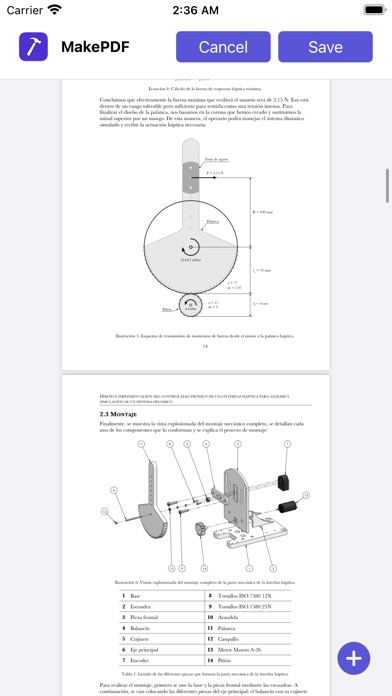
MakePDF allows you to merge multiple files into a single PDF quickly by selecting or dropping documents and images.
MakePDF supports a wide variety of files:
• Any plain text file.
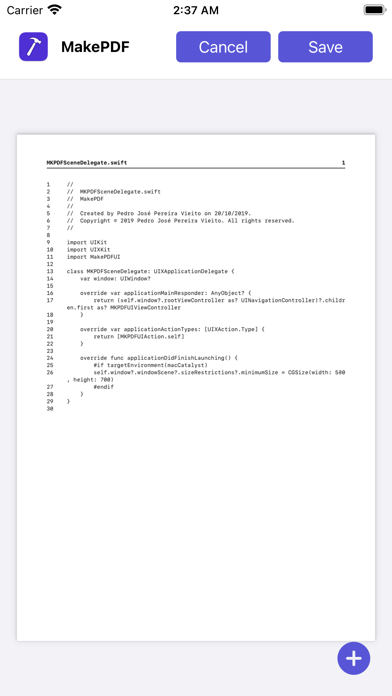
• Source code files (MakePDF will render them with line numbers!).
• HTML files.
• Images and photos.
• Word and Pages documents (supported on macOS).
• PowerPoint and Keynote presentations (supported on macOS).
• Excel and Numbers spreadsheets (supported on macOS).
• And of course, PDFs.
On macOS, MakePDF uses Apple Events to automate the native apps for each file format to ensure the best quality in the final PDF.
MakePDF is designed to create PDFs quickly: when you select a folder, it automatically sorts the files alphabetically and uses SmartPath technology to suggest the output file name and save location.
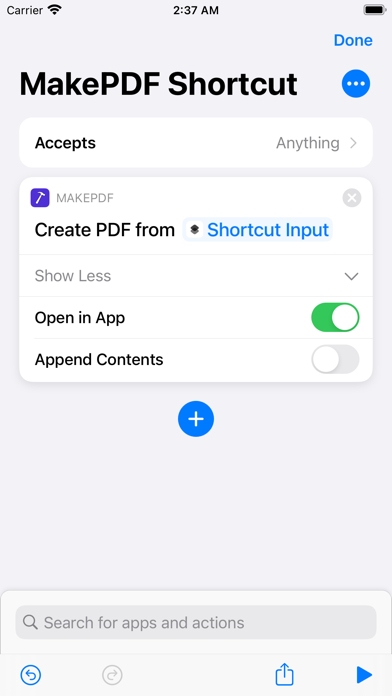
MakePDF also includes advanced features like multiple window support, keyboard shortcuts, and automation with Shortcuts.
MakePDF supports macOS, iOS, and iPadOS.
Notes:
• On macOS, MakePDF can automate the following native apps to achieve the best PDF quality: Microsoft Word, Microsoft Excel, Microsoft PowerPoint, Pages, Numbers, Keynote, and Preview.
Privacy by Design: MakePDF works completely on-device and never stores or sends any information outside of the protected app sandbox.